 Get Insights

Why ergonomic home office design reduces daily strain
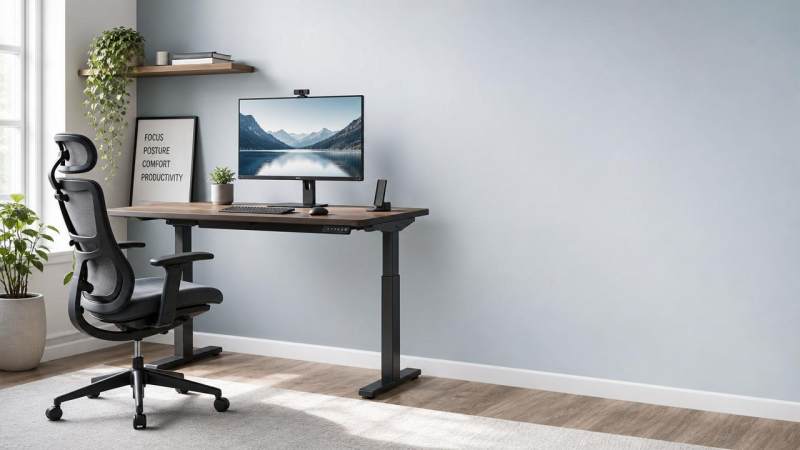
Long hours at a desk can quietly lead to neck tension, back pain, and reduced focus. Ergonomic workspace design for home offices helps minimize daily strain by supporting better posture, smoother movement, and a more balanced work routine. For people building healthier work environments, the right setup is not about luxury. It is about reducing stress on the body, protecting energy, and creating a space that supports steady performance every day.
What does ergonomic workspace design for home offices really mean?
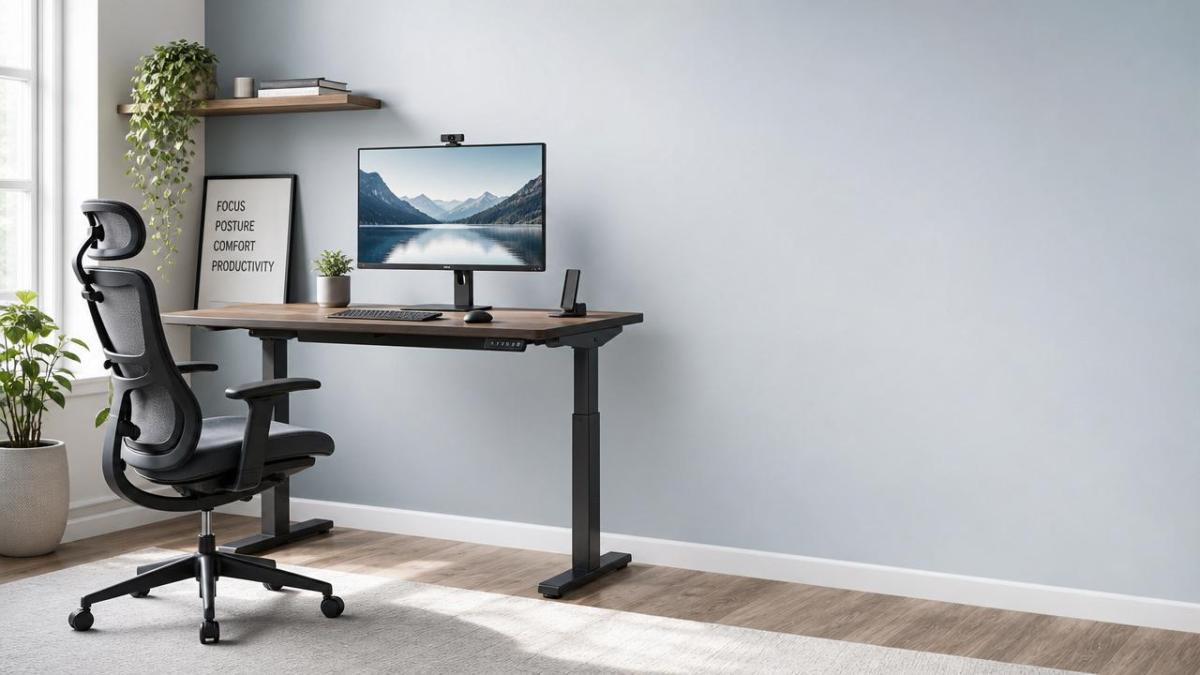
Ergonomics means designing a workspace around human movement, comfort, and physical limits. It aims to fit the job to the body instead of forcing the body to adapt.
Ergonomic workspace design for home offices focuses on chair height, desk position, screen placement, lighting, and reach distance. Each element influences muscle tension and visual fatigue.
A well-designed home office supports a neutral posture. That means relaxed shoulders, elbows near the body, feet supported, and a screen positioned to avoid neck strain.
Good design also reduces repetitive stress. Small movements repeated daily can lead to discomfort when wrists bend too much or when the back lacks support.
The idea is simple. When the workspace supports natural posture and movement, the body spends less effort fighting the setup.
Why is this more important at home?
Many home offices began as temporary arrangements. Kitchen tables, sofas, and spare corners often became full-time workstations without proper adjustment.
At home, people may also work longer without natural breaks. Fewer commute transitions and more screen time can increase strain if the setup is poor.
- Less neck and shoulder tension
- Better back support during long sessions
- Reduced wrist pressure while typing
- Improved focus through visual comfort
- Lower risk of daily fatigue buildup
How does poor setup create daily strain?
Daily strain often develops gradually. It starts with awkward posture, repeated reaching, poor support, or a screen placed too low or too high.
When the monitor is too low, the neck bends forward. When the chair lacks lumbar support, the lower back absorbs more pressure over time.
If the keyboard sits too high, shoulders rise and wrists extend. That can create tension from the hands up through the forearms and shoulders.
Lighting matters too. Glare, harsh brightness, and low contrast can force the eyes to work harder, which often contributes to headaches and mental tiredness.
Poor workspace flow also affects movement. If items are placed too far away, frequent twisting and reaching can irritate the upper back and arms.
Common signs your home office needs adjustment
- Stiff neck after video calls
- Lower back pain by late afternoon
- Numbness or tingling in wrists
- Frequent eye strain or dry eyes
- Restlessness caused by discomfort
These signs do not always mean injury. However, they often signal that ergonomic workspace design for home offices needs attention before discomfort becomes a pattern.
Which parts of a home office setup matter most?
The most important parts are the chair, desk, screen, keyboard, mouse, and lighting. Together, they shape posture, movement range, and physical effort.
Chair and sitting support
A chair should support the lower back and allow feet to rest flat. Knees should stay around hip level or slightly lower.
If feet do not reach the floor comfortably, a footrest can help. Stable support reduces pressure through the thighs and lower spine.
Desk and work surface
The desk should let elbows rest near a 90-degree angle. Shoulders should remain relaxed, not lifted or rolled forward while typing.
Standing desks can support movement variety. Still, posture matters in both positions, so height adjustment remains essential.
Monitor placement
The top of the screen should sit at or slightly below eye level. The monitor should be roughly an arm’s length away.
Laptop users often need a separate keyboard and stand. This solves the conflict between screen height and typing comfort.
Keyboard, mouse, and reach zone
Input devices should stay close enough to avoid stretching forward. Wrists should remain straight rather than bent upward or sideways.
Frequently used tools should remain within easy reach. This keeps movements efficient and reduces repeated twisting across the day.
Lighting and visual comfort
Natural light is helpful, but glare should be controlled. Position screens perpendicular to windows when possible rather than directly facing bright light.
Task lighting should support reading without creating sharp contrast. Good visual design is a core part of ergonomic workspace design for home offices.
How can you judge whether your setup is truly ergonomic?
A practical review is better than guessing. Observe how your body feels after two hours, not just during the first ten minutes.
Use this simple checklist to evaluate ergonomic workspace design for home offices in real conditions.
Comfort should also remain stable through the week. If discomfort returns daily, one small adjustment may not be enough.
What mistakes do people make with ergonomic workspace design for home offices?
One common mistake is buying products before assessing posture. Expensive equipment cannot compensate for incorrect placement or poor habits.
Another mistake is treating ergonomics as a one-time fix. Bodies, tasks, and schedules change, so setups need periodic review.
Some people focus only on sitting. Real ergonomic workspace design for home offices also includes standing options, movement breaks, and task variation.
Others ignore visual strain. Yet eye comfort strongly affects posture, because people lean forward when screens are dim, blurry, or reflective.
Quick corrections that often help
- Raise the screen with a stand or books.
- Use a separate keyboard for laptop work.
- Adjust chair height before changing desk tools.
- Place the mouse close to the keyboard.
- Set reminders to stand and stretch regularly.
Is an ergonomic home office expensive or difficult to build?
Not necessarily. Effective ergonomic workspace design for home offices can begin with low-cost changes that improve alignment and reduce unnecessary strain.
Books can raise a monitor. A cushion can improve seat support. A footrest may be replaced by a stable box if used carefully.
The best approach is to prioritize high-impact changes first. Start with screen height, chair support, and keyboard position.
Higher-cost items make sense when basic fixes do not solve repeated discomfort. Adjustable chairs, monitor arms, and sit-stand desks can add flexibility.
The key is not owning every ergonomic product. It is creating a setup that matches your body and daily workflow.
What is the best next step for lasting comfort and performance?
Start with observation. Notice where strain appears, what tasks trigger it, and whether the discomfort changes after short adjustments.
Then make one improvement at a time. This helps identify which change actually improves comfort, posture, or concentration.
Ergonomic workspace design for home offices works best when paired with regular movement. Even a strong setup cannot replace breaks, stretching, and position changes.
Over time, a thoughtful home office can support more than comfort. It can improve energy, reduce distraction, and make work feel physically sustainable.
If your current setup leaves you stiff, tired, or distracted, review the basics today. A few targeted changes can reduce daily strain and create a healthier workspace that performs better every week.
Recommended News
- 2026.10.15Medical Packaging Heat Seal Testing: Seal Strength vs. Seal Integrity TestsDr. Julian Rossi (RehabTech Specialist)
- 2026.10.14Clinic Supplier Comparison: Evaluating Cost, Delivery Reliability, and SupportDr. Alistair Thorne (Senior Biomedical Engineer)
- 2026.10.13Engineering Performance Testing Services: Evaluating Test Methods and AccuracyDr. Alistair Thorne (Senior Biomedical Engineer)
The VitalSync Intelligence Brief
Receive daily deep-dives into MedTech innovations and regulatory shifts.